

Reviewing model outputs by hand is an important part of evaluating quality. EP makes this process simple by offering an easy-to-use, locally hosted UI you can set up in minutes. To start the UI, simply run the following command and open your browser to http://localhost:8000.Documentation Index
Fetch the complete documentation index at: https://evalprotocol.io/llms.txt
Use this file to discover all available pages before exploring further.
CLI
Ensure the
eval-protocol package is installed so the ep CLI is available.- uv
- pip
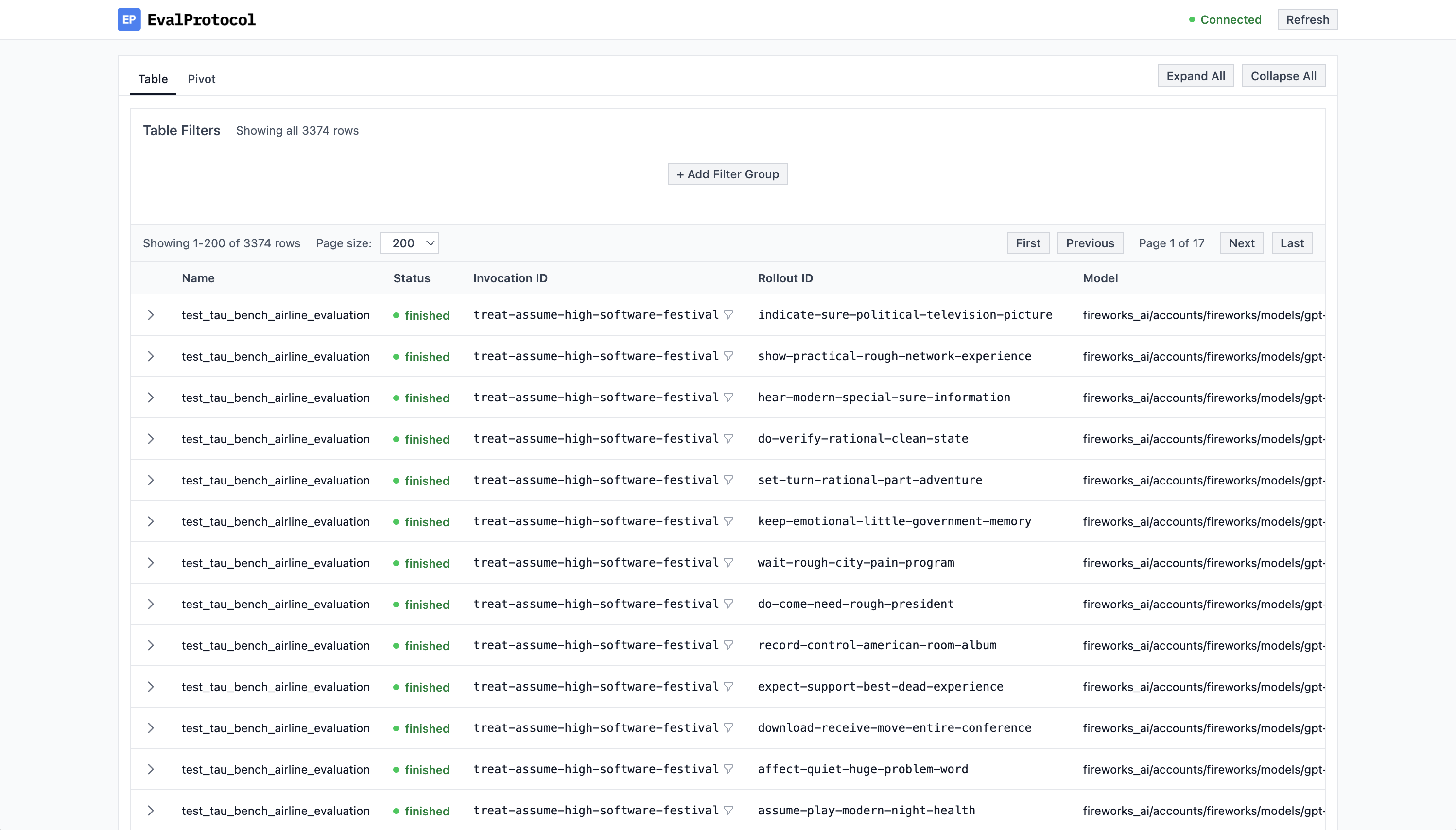
@evaluation_test—whether from the VSCode Test
Explorer/Debugger or from the CLI via pytest—the UI automatically shows
running tests and you can watch rollouts live in the chat interface. When a
test finishes, detailed evaluation results appear to the right of the chat.
Tests are stored under a SQLite database on your local device at
.eval_protocol/logs.db in the root of your Python project.
To run your tests in CLI, you use the pytest command directly.
- Run with uv virtual environment
- Run with your current Python environment